
Every extra step at checkout costs sales. Research from the Baymard Institute shows that 22% of online shoppers abandon their cart specifically because the checkout process is too long or complicated. For OpenCart store owners, that is not an abstract statistic. It shows up directly in revenue. The good news is that it is also one of the most fixable problems a store can have.
The OpenCart One Page Checkout extension by Knowband brings the entire checkout process onto a single page. No redirects, no multiple page loads, no unnecessary steps between a customer and their purchase.
What Is the OpenCart One Page Advanced Checkout Extension?
The OpenCart One Page Advanced Checkout Extension is a plugin that condenses the full checkout flow into one responsive page. Login, address, shipping, and payment all happen in one place. Customers go from cart to order confirmation without leaving the screen or waiting for a new page to load.
As an OpenCart simplified checkout module, it works through an Ajax-based popup that appears the moment a customer clicks to purchase. The entire process happens inside that popup. Store owners can enable or disable it from the backend with a single toggle, and no code changes are needed to get it running.
This makes the One Page Checkout for OpenCart a practical fit for stores of any size, from small independent shops to larger operations with complex shipping and payment setups.
Features of the OpenCart One Page Checkout Extension That Remove Checkout Barriers
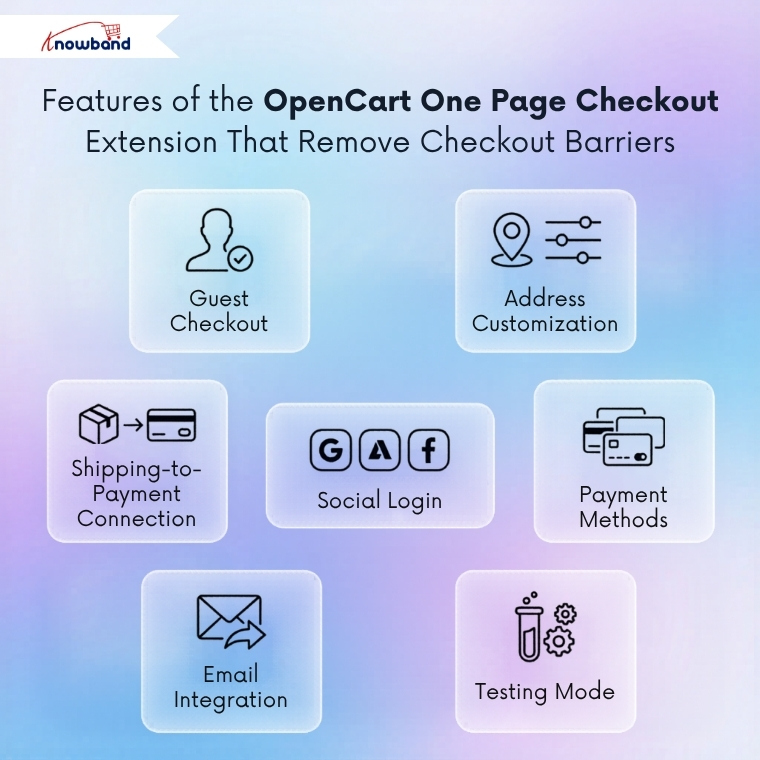
Guest Registration
Guest customers are handled automatically. When a shopper checks out as a guest, the OpenCart responsive checkout popup registers them silently and sends login credentials to their email. This keeps friction low for first-time buyers while building the store’s customer base at the same time.
Social Login at Checkout
Social login is built in. Google, PayPal, and Facebook login options are available directly on the checkout page. Returning customers can move through the process faster without entering details manually. Both are configurable from the admin panel and take just a few minutes to set up.
Configurable Address Fields
Address fields are fully customisable. The OpenCart Single Page checkout lets admins show or hide individual fields for both logged-in and guest customers. Fields can be marked as required or optional and reordered using a simple drag and drop. Shipping and payment address sections can be configured separately, which matters for stores with specific data requirements.
Ship2Pay
The Ship2Pay feature is one of the more commercially useful parts of the OpenCart One Page Supercheckout. It automatically matches a payment method to whichever shipping method the customer selects. This removes a common point of confusion at checkout and keeps the process moving without the customer having to make additional decisions.
Payment and Shipping Method Display
Payment and shipping method displays are fully configurable. Each method can show a logo, a text label, or both. A default method can be pre-selected, and custom titles can be set for each option. For stores with multiple shipping and payment providers, this level of control makes the checkout page look polished and intentional.
MailChimp Integration
MailChimp integration is included as well. The OpenCart quick checkout extension syncs subscriber data directly with a connected MailChimp account. Newsletter sign-ups at checkout feed into the store’s email list automatically without any manual work needed.
Testing Mode
Testing mode lets store owners check the full checkout experience on a specific IP address before making it live. This is a small but important feature for anyone who wants to verify how things look and behave before customers see them.
Advanced Configuration That Fits Any Store
Custom CSS Support
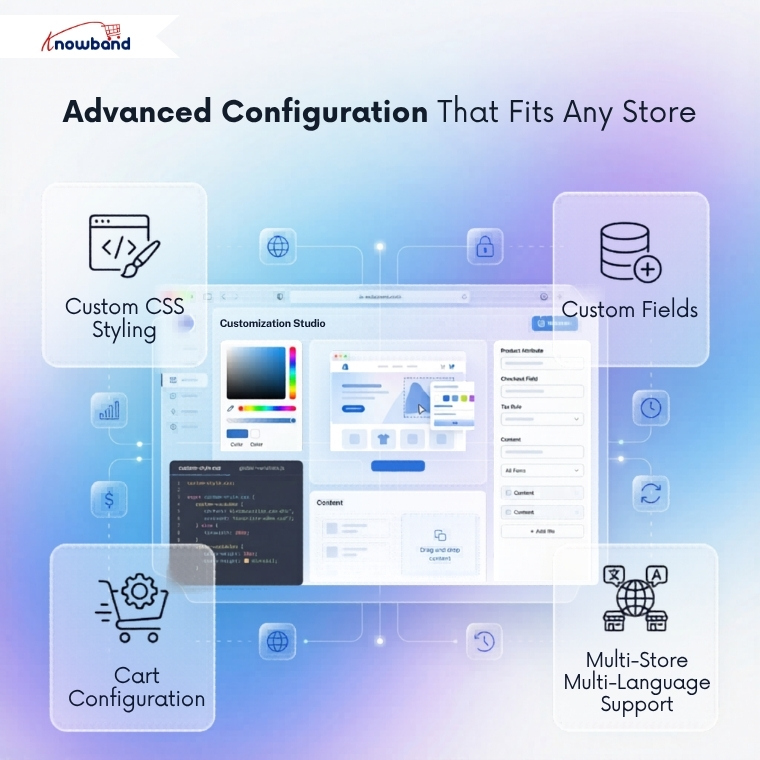
Custom CSS support means the checkout page can be styled to match any store design. Admins paste their CSS directly into the backend. No template files to edit and no developer required.
Custom Fields
Custom fields can be added to any section of the checkout, including payment address, shipping address, cart, and account. This is handled through the Custom Fields option in the admin panel and covers most cases where a store needs information that falls outside the standard checkout fields.
Cart Customisation
The cart section itself is configurable. Image sizes for cart items can be set from the backend. Fields like order comments and terms of agreement can be shown or hidden depending on the store’s requirements. The OpenCart fast checkout extension gives admins a checkout page that reflects exactly what their store needs.
Multi-Store and Multi-Language Support
Multi-store and multi-language compatibility means the One Page Checkout for OpenCart works across different storefronts and customer bases without requiring separate setups for each.
Conclusion
Checkout is where purchase decisions either get completed or get abandoned. A long, multi-step process gives shoppers too many chances to leave. A single, well-designed page removes those chances and keeps the momentum going from cart to confirmation.
The OpenCart One Page Supercheckout by Knowband covers every part of that process in one place. It is configurable, multi-store ready, and built to reduce the friction that costs stores revenue every day.
Knowband offers a free demo for store owners who want to see the extension in action before purchasing.
For more such reads, Visit:


